Now Available on iOS & Android

Work Less.
Achieve More.

Flowly learns your natural focus patterns and creates personalized deep-work sessions that get you into flow state 3x faster. Join 2 million+ professionals.

2M+
Active Users
4.9
App Store Rating
98%
Retention Rate
3x
Faster Focus
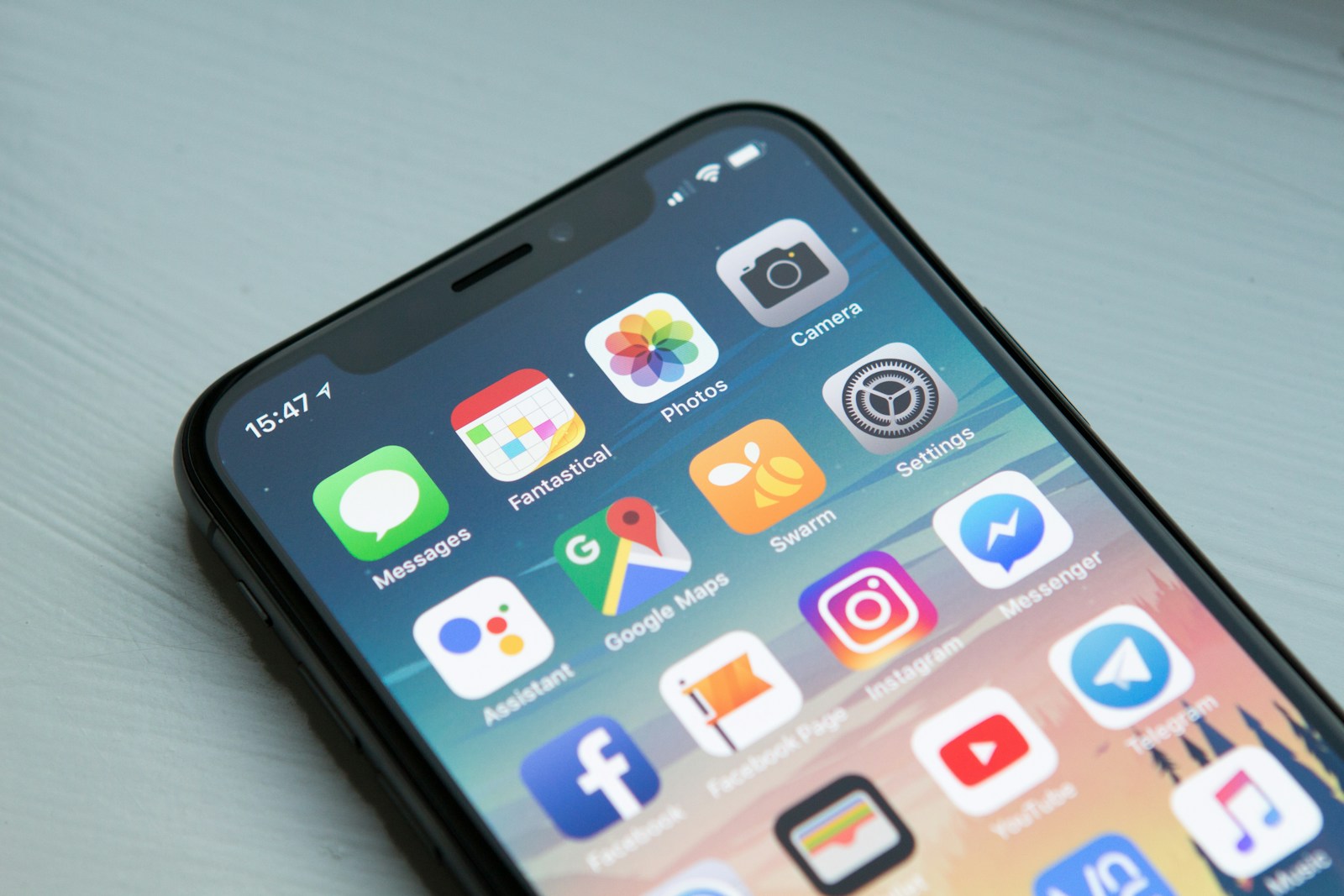
Flowly productivity app on iPhone
Used by teams at
Stripe Figma Linear Notion Vercel Arc
Features

Everything You Need to Reach Deep Work

Flowly combines AI-driven scheduling, smart distraction blocking, and deep analytics into a single, beautiful app.

AI Focus Coach

Flowly analyzes your work patterns and automatically schedules your peak focus hours. No more guessing when to tackle your most important tasks.

Smart Distraction Blocker

Blocks apps, websites, and notifications based on your focus schedule. Context-aware — it learns which interruptions you actually need.

Adaptive Sessions

Dynamic focus sessions that adjust based on your energy level. Flowly detects when you are struggling and intelligently shortens or pauses sessions.

Productivity Analytics

Beautiful daily, weekly, and monthly reports showing your deep work hours, focus trends, and top productivity patterns.

Team Focus Rooms

Sync focus sessions with your team. See who is in deep work mode and avoid interrupting them at the wrong time.

Integrations

Works natively with Notion, Linear, GitHub, Slack, Google Calendar, and 40+ more tools. Zero friction to get started.
How It Works

Start Your First Deep Work Session in 60 Seconds

1

Download & Set Up

Download Flowly, create your profile, and connect your calendar. Setup takes under a minute — no credit card required.

2

AI Learns Your Rhythm

Over the first 3 days, Flowly quietly learns when you are naturally most focused. No manual input required.

3

Start Deep Work

Launch a focus session when ready. Flowly blocks everything that does not matter and surfaces only what does.

Flowly app in use
App Preview

Beautiful by Design. Powerful by Default.

Flowly dashboard view
Flowly focus timer
Flowly analytics screen
Flowly settings screen
Pricing

Free to Start. Powerful to Scale.

Free
For individuals just getting started.
$0forever
  • 5 focus sessions/day
  • Basic distraction blocking
  • Daily productivity report
  • 3 integrations
Download Free
Team
For teams who want to deep work together.
$16/user/month
  • Everything in Pro
  • Team Focus Rooms
  • Manager dashboard
  • Shared focus goals
  • Slack/Teams status sync
  • Priority support
Try Free for Teams
Loved by Makers

What Users Are Saying

"Flowly is the first productivity app that actually worked for me. I went from 2 hours of deep work a day to 5+ in just two weeks."

Alex Huang
Alex Huang
Lead Engineer, Notion

"The AI scheduling feature is genuinely magical. I stopped fighting my calendar and now my peak hours are protected automatically."

Sarah Okonkwo
Sarah Okonkwo
Product Designer, Figma

"Our entire engineering team uses Flowly. Focus room visibility alone saved us hundreds of unnecessary interruptions every week."

David Park
David Park
Engineering Manager, Stripe
FAQ

Common Questions

Yes. Flowly is available on iOS 15+ and Android 12+. A web app is in beta and can be accessed at app.flowly.io. Desktop apps for Mac and Windows are coming in Q3.
No. Flowly only reads calendar availability and app usage metadata — never your documents, messages, or file contents. All data is encrypted and stored locally when possible.
Yes. Cancel anytime from the app settings. You retain Pro access until the end of your billing period, and your focus history is never deleted.
Flowly passively monitors your productivity signals — typing speed, app-switching frequency, and session completion rates — over the first 72 hours. No forms, no manual input.
Flowly integrates with Google Calendar, Outlook, Notion, Linear, GitHub, Slack, Microsoft Teams, Asana, Todoist, and 35+ more tools. New integrations launch monthly.
Download

Start for Free Today

Join 2 million+ professionals who have transformed their work with Flowly.

Or try the web app — no download required.